Speculative Decoding: How TokForge Speeds Up Generation
Discover how speculative decoding uses a small draft model to verify tokens in parallel, measured at +34% to +43% on chat workloads on supported devices, with zero quality loss.
The Problem: Speed on Mobile
Large language models are incredibly powerful. A 14-billion-parameter model can handle complex reasoning, creative writing, and nuanced conversation. But on a mobile device, there's a tradeoff: power versus speed.
A typical 14B model running on a mobile phone generates around 8 tokens per second. That's usable (you can have a conversation) but it's not exactly snappy. Every token requires a full forward pass through the entire model, which is computationally expensive.
The bottleneck: One large model. One forward pass per token. Sequential generation. If you need 100 tokens, you're doing 100 full model passes.
For comparison, cloud-based APIs like OpenAI's GPT-4 achieve 50+ tokens per second, partly because they run on high-end GPUs and partly because they can parallelize computation across multiple requests. On a phone, you have limited compute, and you're running a single request.
The Solution: Speculative Decoding
Speculative decoding is a technique that trades compute for speed by introducing a small, fast "draft" model alongside your large "target" model. Here's the insight:
The key idea: The draft model proposes multiple tokens ahead. The target model verifies them all in a single batch. If the draft guesses correctly (which happens most of the time on predictable text), you get multiple tokens for the computational cost of roughly one large-model forward pass.
The result is dramatic: 8 tokens/sec → 16+ tokens/sec on a 14B model, with mathematically identical output quality. You're not sacrificing accuracy for speed. You're just being smarter about how you generate tokens.
How It Works: The Mechanism
The Proofreading Analogy
Think of it like writing versus proofreading. Writing something from scratch is slow. You need to think about each sentence, each word. The large model generating tokens one at a time is like writing from scratch.
But checking someone else's draft is much faster. You scan through it quickly, verify the ideas, and catch any mistakes. The large model checking multiple pre-drafted tokens is like proofreading.
In speculative decoding, the draft model is your quick writer, and the target model is your fast proofreader.
Step-by-Step Process
- Draft proposal: The tiny draft model (~500MB, runs in milliseconds) proposes 4 to 8 tokens ahead. It's not trying to be perfect. It's trying to be fast and guess common continuations.
- Parallel verification: The large target model receives all proposed tokens at once and evaluates them in a single batch. This is the crucial step: batching makes verification fast.
- Accept or reject: For each token, the target model compares the draft's prediction to what it would have generated. If it matches (or is very close in probability), the token is accepted. If it doesn't match, generation branches and the target model regenerates from that point.
- Continue: The process repeats. The draft model proposes the next batch, the target model verifies, and so on.
The Net Effect
On predictable text (dialogue, prose, documentation), the draft model guesses correctly much of the time. Even with occasional misses, you're still generating multiple tokens per target-model forward pass. The overhead of the draft model is negligible because it's so small and fast.
Result: Measured +34% to +43% speedup on chat workloads on our test devices, with zero quality loss. Every output token is verified by the full target model, so you get identical results.
Real Benchmark Numbers
Here's how speculative decoding performs on actual TokForge models:
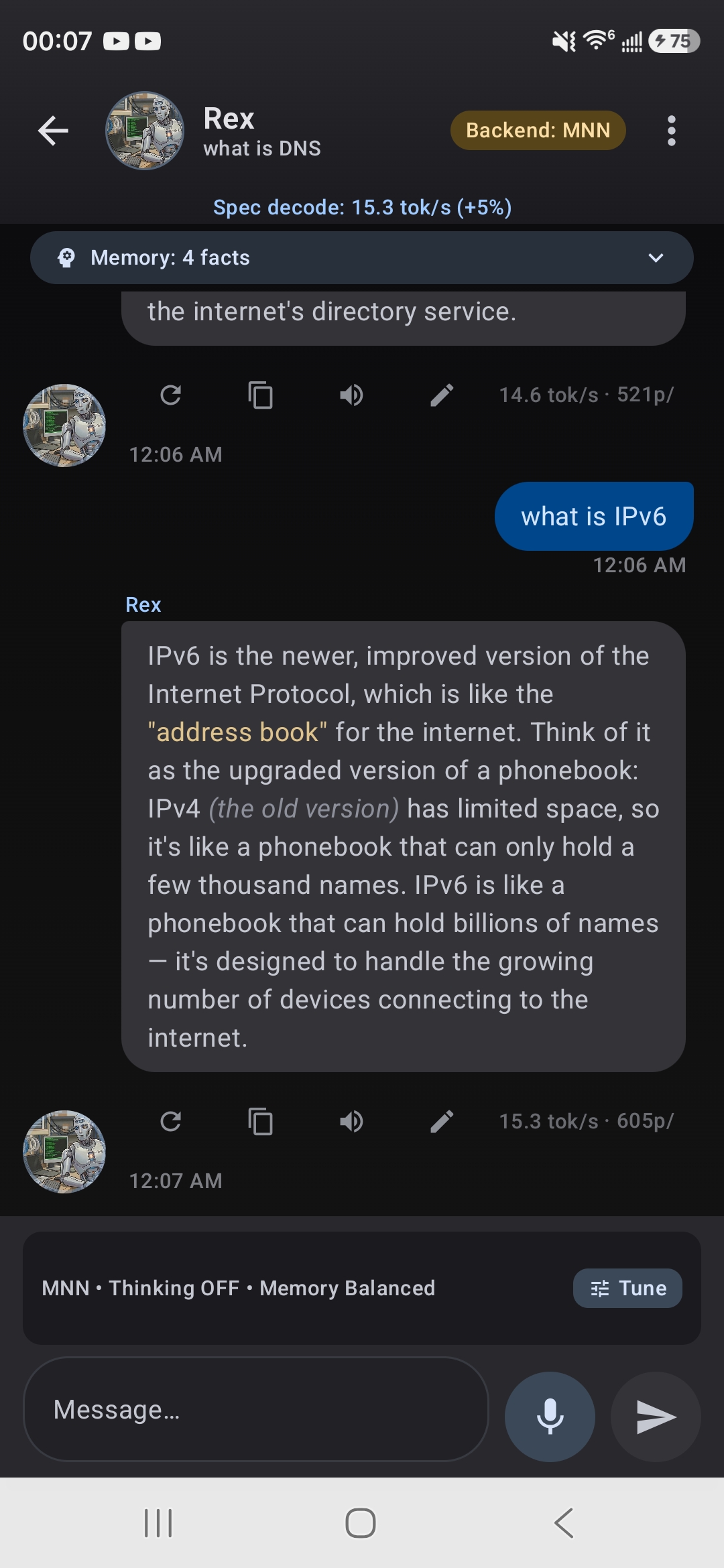
Spec decode in action: 15.3 tok/s with +5% speed boost indicator
On our test devices (Dimensity 9400 and Snapdragon 8s Gen 3 class), dense Qwen3 models with the standard draft pack measured +34% to +43% on chat workloads. Speedup varies by device, model, and text domain, and TokForge disables spec decode automatically on combinations where it does not help.
When Speedup Is Highest
Speculative decoding shines on predictable text:
- Highly structured output (counting, lists, repeated formats): Draft acceptance is near-perfect, so measured gains are largest here.
- Formulaic technical writing: Consistent structure keeps draft acceptance high.
- Boilerplate and templates: Predictable continuations draft well.
Speedup is lower on unpredictable content:
- Free-form prose and dialogue: More varied continuations lower acceptance, so gains are smaller.
- Math & reasoning: Careful step-by-step logic drafts less predictably.
- Long unpredictable outputs: Acceptance drops when the draft cannot anticipate the target model.
Where drafting does not pay off on your device and model, TokForge's self-calibration disables spec decode rather than slow you down.
How to Enable Speculative Decoding
In the TokForge App
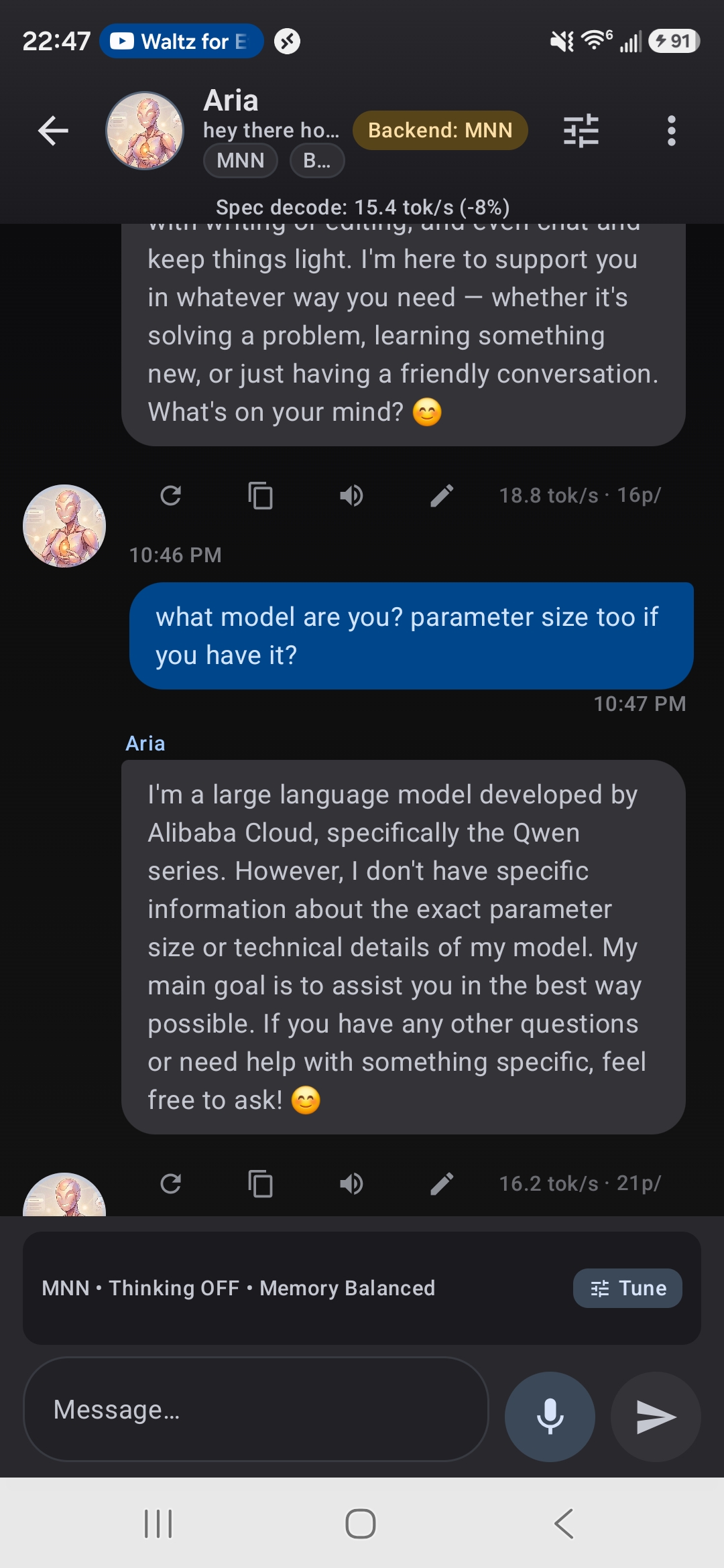
Chat showing speculative decoding speed badge
Compatible models are marked with a Spec Decode badge in the Model Manager. To enable:
- Open TokForge and navigate to Settings → Inference.
- Toggle Enable Speculative Decoding on.
- On first use with a compatible model, TokForge automatically downloads the draft model (~200MB). This happens once in the background.
- That's it. Future generations use spec decode automatically.
Via API
To enable or disable speculative decoding programmatically:
POST /settings/spec_decode_enabled
Content-Type: application/json

{
  "value": true
}

// Response
{
  "spec_decode_enabled": true,
  "draft_model_size": "200MB",
  "compatible_models": ["qwen3-14b", "qwen3-8b", ...]
}
You can also check the list of spec-decode-compatible models:
GET /models?filter=spec-decode-compatible

// Response includes models tagged as spec-decode compatible
When Speculative Decoding Helps Most
To get the best bang for your buck, use speculative decoding when:
- You're generating long outputs. The speedup compounds over many tokens. Generating 500 tokens feels much faster.
- You're doing creative tasks. Writing, roleplay, storytelling are where spec decode really shines.
- You're in interactive/conversational mode. Every millisecond counts in a chat app. The speedup makes the experience feel more responsive.
- You have a limited power budget. Generating tokens faster means lower total computation time, which means less battery drain.
You can leave it on all the time. Where a device and model pair does not benefit, TokForge's self-calibration turns spec decode off automatically. And the quality is always identical.
No Quality Loss: Why It's Safe
This is the critical guarantee of speculative decoding: the output quality is mathematically identical to normal generation.
Here's why: every token produced by speculative decoding is verified by the target model. The draft model is just a speedup trick. It never creates the final output. It only proposes candidates, and the target model checks them.
Think of it this way: Speculative decoding is like using a calculator to speed up arithmetic. The calculator proposes answers, you verify them. If the calculator is right, great. You save time. If it's wrong, you catch it immediately. Either way, your final answer is correct.
In formal terms, speculative decoding uses a technique called acceptance-rejection sampling. The probability distribution of output tokens is preserved exactly. You get the same statistical distribution of responses as you would without spec decode.
So feel free to turn it on and forget about it. Your outputs will be the same quality, just faster.
System Requirements
Speculative decoding works on most modern devices, but there are a few requirements:
- Target model: Must be tagged as "spec-decode compatible" in TokForge. Most Qwen, Llama, and Mistral models 8B and up are compatible.
- RAM: The draft model uses ~200MB of additional RAM. This is negligible on modern phones (which have 8GB+), but it's worth noting if you're running on a very constrained device.
- Storage: The draft model is downloaded once (~200MB) and cached internally. It's managed automatically by TokForge.
- Processor: Works on any ARM processor (Snapdragon, Bionic, MediaTek). No special hardware required.
TokForge checks these requirements automatically and shows a warning if spec decode is unavailable for your setup.
Next Steps
Speculative decoding is one of several techniques TokForge uses to maximize mobile performance. Here are related guides:
TurboQuant: Quantization for Speed
Learn how model quantization reduces memory footprint and enables larger models on mobile devices.
Read Guide →AutoForge: Automatic Optimization
Discover how AutoForge automatically selects the best model, quantization, and inference settings for your device.
Read Guide →Backend Architecture Comparison
Compare MNN, NCNN, and other inference backends to understand which is best for your use case.
Read Guide →Download TokForge
Try speculative decoding on your mobile device today. Get the app from Google Play.
Google Play →Summary
Speculative decoding is a proven technique that delivers real speedups on mobile devices. By pairing a small draft model with your large target model, TokForge measured +34% to +43% faster token generation on supported devices with zero quality loss.
- It works by having a fast draft model propose tokens and the target model verify them in parallel.
- Real benchmarks show gains that vary by device, model, and text domain.
- Enabling is simple: one toggle in Settings.
- Output quality is mathematically identical to normal generation.
- It requires minimal additional resources (200MB for the draft model).
If you're looking to get the most out of on-device LLMs, speculative decoding is a technique worth understanding, and even better, a feature worth using.